J
Jeff Benjamin
Guest
- Thread Author
- #1
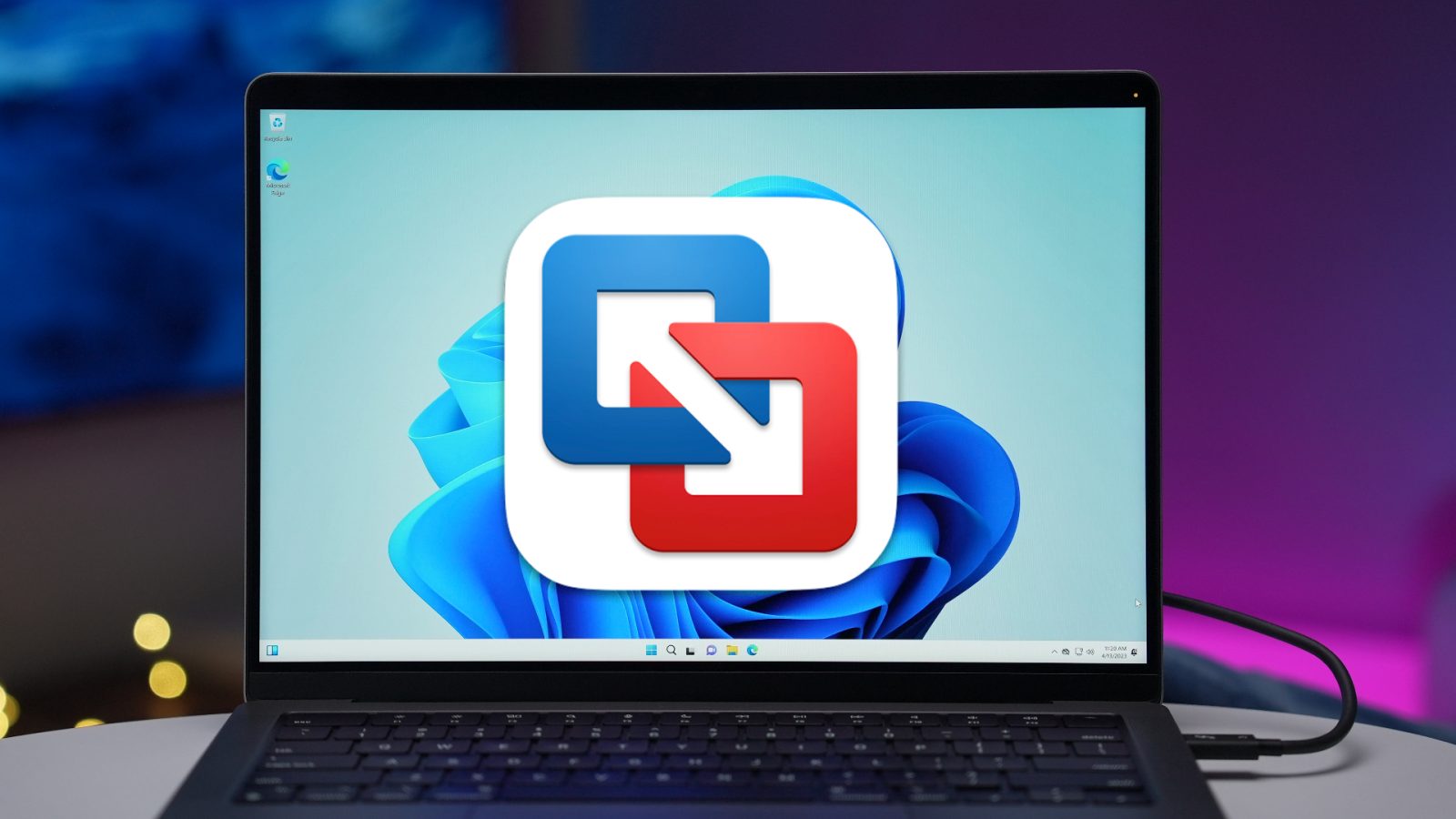
In this hands-on tutorial, I’ll show you how to run Windows 11 for ARM using VMware Fusion Player 13, an application that includes a free personal license option. The downside to VMware Fusion Player, is that it doesn’t include 3D support for Windows 11 on ARM, but that may not be an issue for you if you’re just need to run a one-off app or other basic software.
If you’re looking to run games, in general, Parallels Desktop 18 remains the better option due to its support of DirectX 11. The downside to using Parallels for running Windows 11 on ARM? It is a paid application that requires a subscription for the version that most people will want to use. You can read and watch our full Parallels Desktop 18 Windows 11 on ARM tutorial for more details.
more…